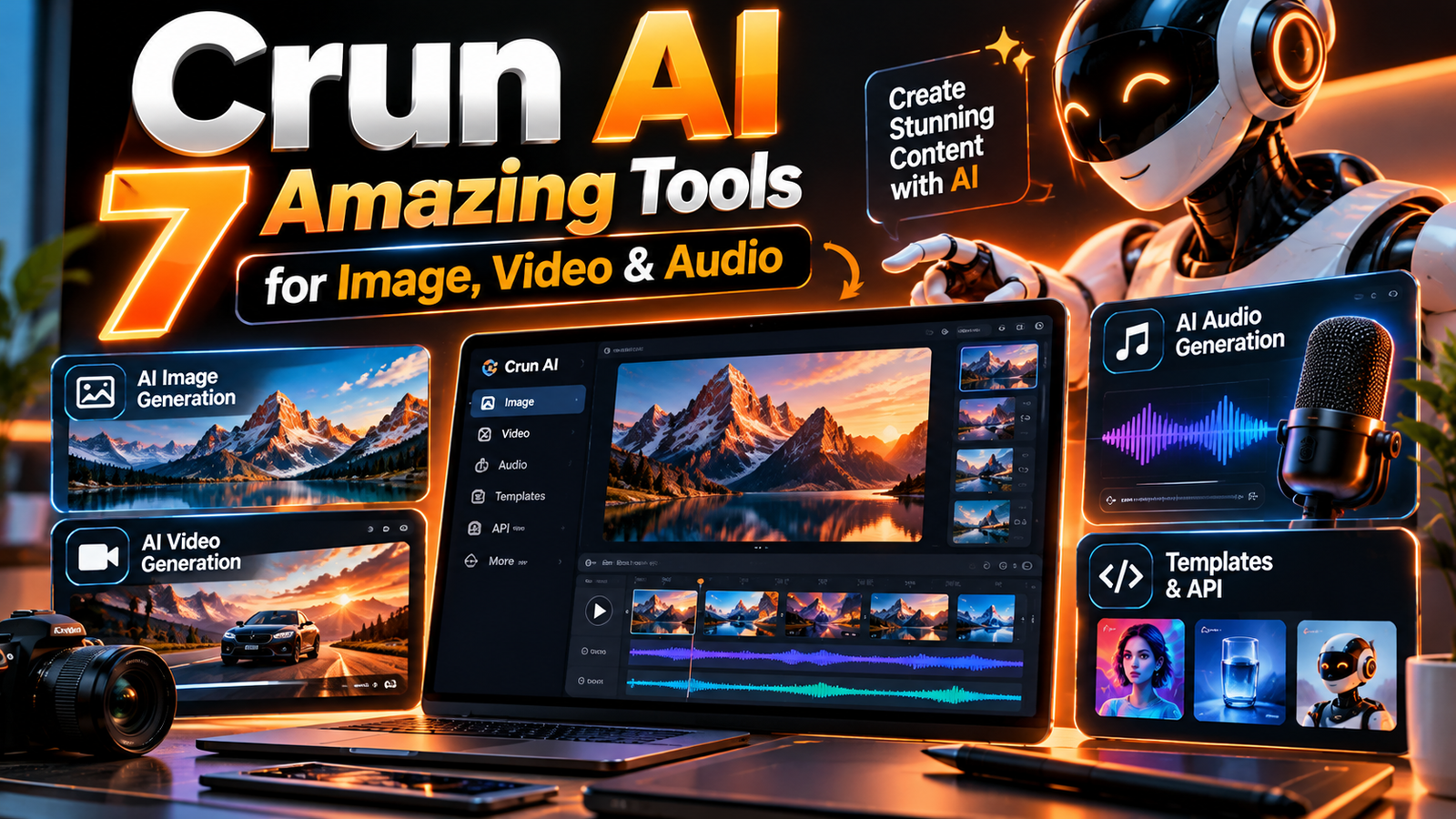
Creating digital content used to require separate tools for images, videos, voiceovers, and music. Today, AI platforms are bringing these capabilities together, making creative workflows more accessible to developers, marketers, and content creators.
Crun AI is a unified AI media platform that provides access to multiple image, video, and audio generation models through one platform and API. It also offers tools for connecting AI agents to media-generation workflows.
This guide explores how Crun AI works, its key capabilities, practical applications, pricing considerations, advantages, and limitations. It also explains who may benefit from the platform and what to check before choosing it for a creative or development project.
What Is Crun AI?
Crun AI is an AI-powered platform designed to bring different media-generation models into one environment. Instead of integrating a separate service for every creative task, users can access multiple models through Crun’s platform or its developer API.
The platform focuses on four broad areas:
-
AI image generation: Creating visual assets from written prompts or existing images.
-
AI video generation: Turning prompts or reference images into video clips.
-
AI audio generation: Creating voice, music, and sound-related content.
-
Developer integration: Connecting media-generation capabilities to applications and AI-agent workflows.
Its main idea is to simplify access to different AI models. A creator may use one model for a visual concept and another for a video or audio task, while a developer can build a workflow around a unified API.
Crun AI should not be confused with a single image-generation model. It is a platform that provides access to multiple models and related creative tools. The models, supported inputs, outputs, and prices can change over time, so users should check the current catalog before starting a project.
How Crun AI Works: From Prompt to Finished Media
The platform’s workflow can be understood in a few straightforward stages.
Step 1: Choose a creative task
Start by deciding what you want to create. For example, you might need a product image, a short video concept, a voiceover, or a music track.
The type of output matters because different models specialize in different tasks.
Step 2: Select an appropriate model
Crun AI provides access to multiple models. Users can select a model based on the task, desired quality, input requirements, and available budget.
A model that works well for a still image may not be the right choice for a video with complex motion or synchronized audio.
Step 3: Provide a prompt or reference
Describe the intended result in clear language. For image or video tasks, this might include the subject, setting, visual style, lighting, and composition.
Some models also accept reference images or other supported inputs. The exact options depend on the selected model.
Step 4: Generate and review
The platform processes the request and returns the generated result. Users can then evaluate the output, refine the prompt, or try a different model.
For API-based projects, developers can retrieve results and integrate them into their own applications or workflows.
This is the general process; individual models may require different parameters, input formats, or processing steps.
Read more: Fashionisk.com: 7 Powerful Insights into Website Content and Categories for 2026
7 Key Features of Crun AI
The following features explain the platform’s main capabilities. Availability and performance may vary by model, account, and current platform configuration.
1. AI Image Generation and Editing
Crun AI provides access to image-generation models that can create visuals from text prompts or supported reference images.
This can be useful for:
-
Blog and website illustrations.
-
Product concepts and promotional graphics.
-
Social media visuals.
-
Creative experiments and visual storytelling.
Image editing capabilities may also be available through selected models. For example, some models support transforming an existing image, refining a composition, or generating variations.
The quality of the result depends on the model, prompt clarity, and input image. Users should review generated visuals carefully, especially when the image includes text, logos, or specific product details.
2. AI Video Generation
Video generation is another major part of Crun AI. The platform offers access to models that can produce video from text prompts or supported image references.
This can help creators develop:
-
Short promotional clips.
-
Concept videos.
-
Visual scenes for storytelling.
-
Product demonstrations.
-
Creative social media content.
Different video models may offer different clip lengths, resolutions, motion controls, or audio options. Before generating a large number of clips, compare the model’s current specifications and test a small sample.
3. AI Audio and Voice Creation
Crun AI also provides audio-related capabilities, including text-to-speech, voice generation, music creation, and sound effects through supported models.
These tools may be useful for producing:
-
Narration for educational videos.
-
Voiceovers for presentations.
-
Background music for original projects.
-
Sound effects for creative scenes.
Audio quality, language support, voice options, and usage permissions can vary. If a project involves a recognizable person’s voice, obtain the necessary permission rather than assuming that a generated voice is free to use.
4. Access to Multiple AI Models
One of the platform’s central features is its model catalog.
Instead of being limited to one generation system, users can explore different models for different creative tasks. Crun AI lists image, video, and audio models, with model options and specifications changing as the catalog evolves.
This flexibility can be useful when a project needs different kinds of output. However, having many models available does not automatically make every model equally suitable or reliable.
A practical approach is to choose models based on the specific task, review sample outputs, and compare results using the same prompt.
5. Unified API for Developers
Crun AI offers an API intended to let developers integrate media-generation capabilities into their applications.
A unified API can reduce the need to build separate integrations for every supported model. Developers can use it to submit generation requests, retrieve results, and connect those results to their own workflows.
For technical details, see the official Crun API documentation.
The exact API requirements depend on the selected model. Developers should check the current documentation for authentication, input fields, task status handling, error responses, and usage charges.
6. Crun Skill for AI Agents
Crun also provides a skill that connects compatible AI agents to its media-generation capabilities.
The skill is designed to help supported agents create images, videos, and audio through Crun’s services. Its published workflow includes selecting a model, estimating task cost, submitting a generation request, and retrieving the result.
This may be useful for developers who want an AI agent to assist with creative production rather than manually moving between tools.
The skill requires configuration, including an API key, and generation requests consume account credits. Compatibility should be checked before installing it in a particular development environment.
7. Visual Creative Workflow Tools
Crun has also introduced an Infinite Canvas tool, described as a visual workspace for organizing prompts, reference assets, generated media, and creative iterations.
A node-based canvas can help users connect different stages of a creative project, compare directions, and reuse assets as they refine an idea.
For example, a creator might organize a project into stages such as:
-
Develop a visual concept.
-
Generate a reference image.
-
Create a video variation.
-
Review and refine the output.
The actual tools and available workflow features should be verified in the current Crun interface.
Practical Use Cases for Crun AI
Content Creation for Blogs and Websites
A content creator may need featured images, article illustrations, and visual assets for different sections of a website.
Crun AI’s image-generation options can help produce original visual concepts. The creator should still ensure that images accurately represent the article and do not contain misleading claims or unwanted text.
For example, a technology article could use an original illustration showing an abstract AI workflow rather than copying another publisher’s featured image.
Social Media and Marketing
Marketing teams often need multiple creative variations for campaigns.
Crun AI may help them experiment with different visual directions, short promotional clips, or original audio. This can speed up the early creative process, although the final materials still need brand, factual, and quality review.
YouTube and Video Projects
Creators working on videos may use image-generation models for concepts and video models for selected scenes.
A sensible workflow is to create a storyboard first, generate a few test assets, and then decide whether the outputs meet the project’s needs.
AI-generated assets should be reviewed for visual consistency, unwanted artifacts, and platform-specific requirements before publication.
Application Development
Developers can use Crun AI’s API to connect media generation to their own products.
Possible examples include a creative application that generates illustrations from user prompts or a workflow that produces draft marketing assets.
Before building around the API, developers should review the current model catalog, supported input formats, rate limits, costs, and reliability requirements.
Crun AI Pricing: What Should You Check?
Crun AI uses a credit-based or usage-based approach for accessing its generation services. Its website presents model-specific pricing and account credits, but costs can differ significantly between models and tasks.
There is no single price that accurately represents every image, video, or audio request.
Before using Crun AI for a large project, review these factors:
| Pricing factor | Why it matters |
|---|---|
| Selected model | Different models may have different costs |
| Output quality | Higher-resolution or advanced generation may cost more |
| Video duration | Longer or more complex generation can affect usage |
| Number of attempts | Repeated generations may consume additional credits |
| Account plan | Available credits and billing conditions may vary |
You can review the official Crun pricing page for current model prices.
Tip: Start with a small test. A short trial project can help you understand output quality and actual credit consumption before you commit to a larger workflow.
Advantages and Limitations of Crun AI
Advantages
-
Multiple creative capabilities: Image, video, and audio generation are available through one platform.
-
Model flexibility: Users can select from different models rather than relying on a single generation system.
-
Developer integration: A unified API can simplify connecting media generation to applications.
-
Creative experimentation: Different models can help users explore alternative styles and outputs.
-
AI-agent workflows: The Crun Skill is designed to connect supported agents to media-generation tasks.
Read more: How to Protect Your Assets from Inflation
Limitations
-
Model differences: Quality, speed, input requirements, and available controls vary between models.
-
Credit consumption: Repeated generation and experimentation can increase costs.
-
Learning curve: Users may need to compare models and refine prompts to get suitable results.
-
Technical setup: API and agent workflows require configuration and an understanding of the relevant tools.
-
Output review: Generated media may contain errors, inconsistencies, or unwanted elements.
Crun AI can simplify access to creative tools, but it does not remove the need for planning, editing, and quality control.
Is Crun AI Suitable for Beginners?
Crun AI may be approachable for people who want to experiment with AI-generated media, particularly if they begin with a simple image-generation task.
Beginners should focus on three things:
-
Choose one clear creative goal instead of testing every model at once.
-
Check the model’s current input requirements and pricing.
-
Review the output and improve the prompt before spending more credits.
Developers may find the API and agent skill useful, but these features involve additional technical setup. A user who only wants to create a few images may not need that complexity.
Frequently Asked Questions
1. What is Crun AI?
Crun AI is a platform that provides access to multiple AI models for image, video, and audio generation, along with developer tools for integrating those capabilities into applications.
2. Can Crun AI generate videos?
Yes, Crun lists video-generation models that support text-to-video and, for selected models, image-to-video workflows. Clip length, quality, and supported inputs depend on the chosen model.
3. Does Crun AI offer an API?
Yes. Crun provides an API for developers to submit generation tasks and retrieve results. Refer to its official documentation for current integration requirements.
4. Does Crun AI support AI agents?
Crun provides a skill designed to connect compatible AI agents to its media-generation services. Compatibility and setup requirements depend on the agent environment.
5. Is Crun AI free?
Crun’s website describes a credit-based usage model and advertises free trial credits for new users. The amount of available credit and current eligibility should be checked directly on the platform.
Conclusion: Is Crun AI Worth Exploring?
Crun AI brings image, video, and audio generation models together in one platform, with additional options for developers and compatible AI agents.
Its biggest appeal is flexibility: users can explore different models and build creative workflows without necessarily integrating every generation service separately.
However, the right choice depends on the task. Someone creating a simple illustration may need only an image model, while a developer building a media application may benefit more from the API and agent tools.
Before choosing Crun AI for a serious project, compare current model capabilities, prices, output quality, and usage conditions. A small test project is the most practical way to determine whether it fits your workflow.